How I hacked IBM and got full access on many services?
An exposed logs folder on an IBM server led to working tokens, cloud credentials and an admin login for internal DevOps tools.
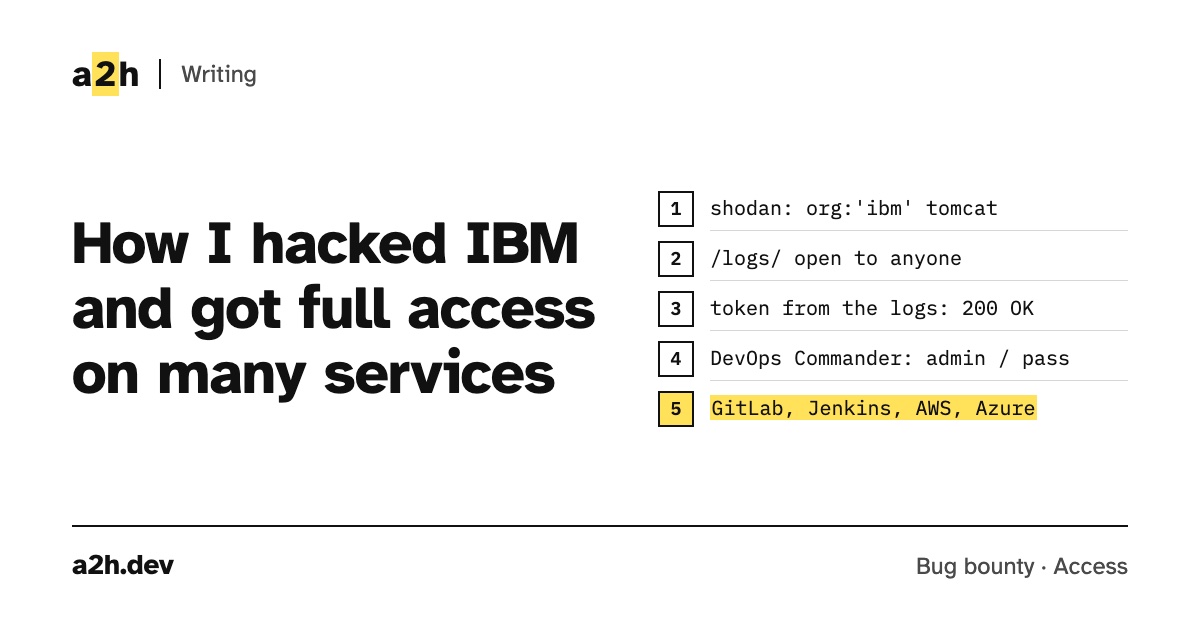
Hi everyone, today I’m gonna talk about vulnerability that I found it in IBM that allowed me to get full access on many services.
At first, I opened shodan and searched for: Org:‘ibm’ tomcat
I browsed some servers, but I didn’t find anything interesting, until I found this server and let’s call it x.x.x.x, when I ran ffuf on it, I found “logs” as exposed endpoint. So I opened my browser to visit this endpoint, and as expected, I found more than one folder containing logs file for employees.
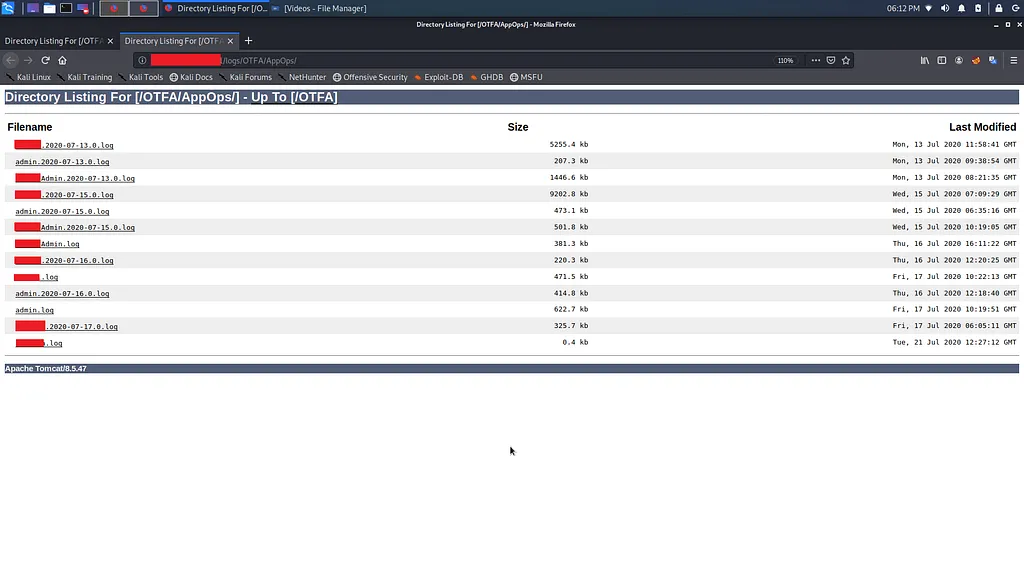
I opened some files to make sure that they actually contain information worth reporting, and indeed there were some tokens and emails for IBM employees.
in fact, I checked the tokens but it were expired.
However, these files are not supposed to be exposed, so I opened hackerone to report this bug.
Less than a day later I received this reply..

They want a real exploitation from data in logs to triage my report.
So I opened the logs file to read them, and the thing that intrigued me was that the logs file of the today were there, so I collected all the logs file in one txt file to grep all tokens and tried them.
Note: When I browsed through the logs file, I found admin control URL, and when I clicked on it, it showed me a message saying “There is a missing token”. Then I sent this request to the burp and added a header called “token” and I gave it a random value. Then the response changed to “The token is invalid or expired”. I wanted to say this point so that you know how to I make sure this tokens are working or not.
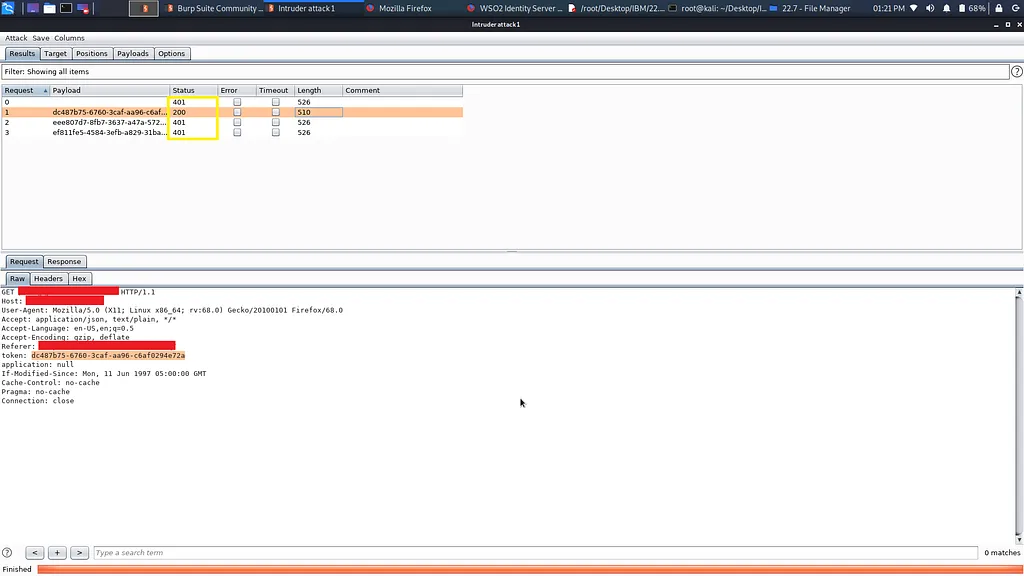
One of them was valid and I was able to get some information about an employee.
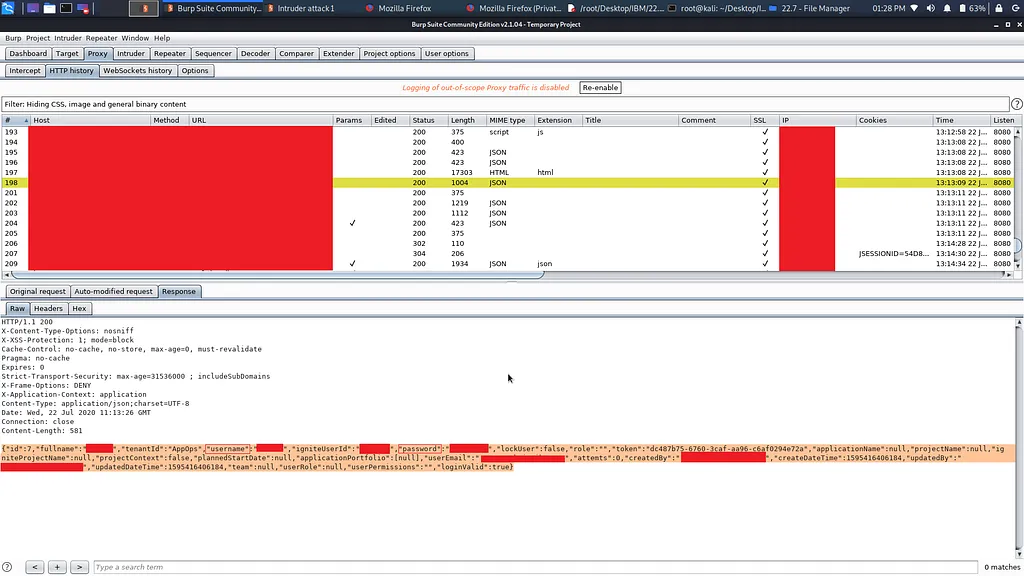
Also I found Credentials for AWS and Azure.
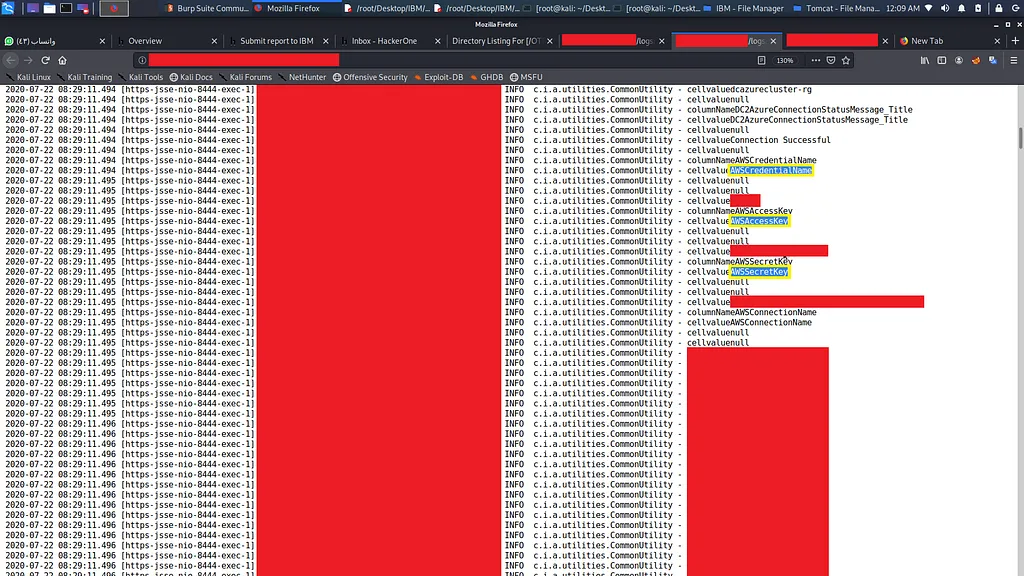
Here I finished interim and I added an update to the report with what I found, and the report was triaged.
After that I decided to dive into the logs file to find something I could present on a separate report. And I found URL of Services DevOps Commander and when I opened it I tried to login with admin as username and pass as password, the surprise was that it was a true credential and I managed to get in.
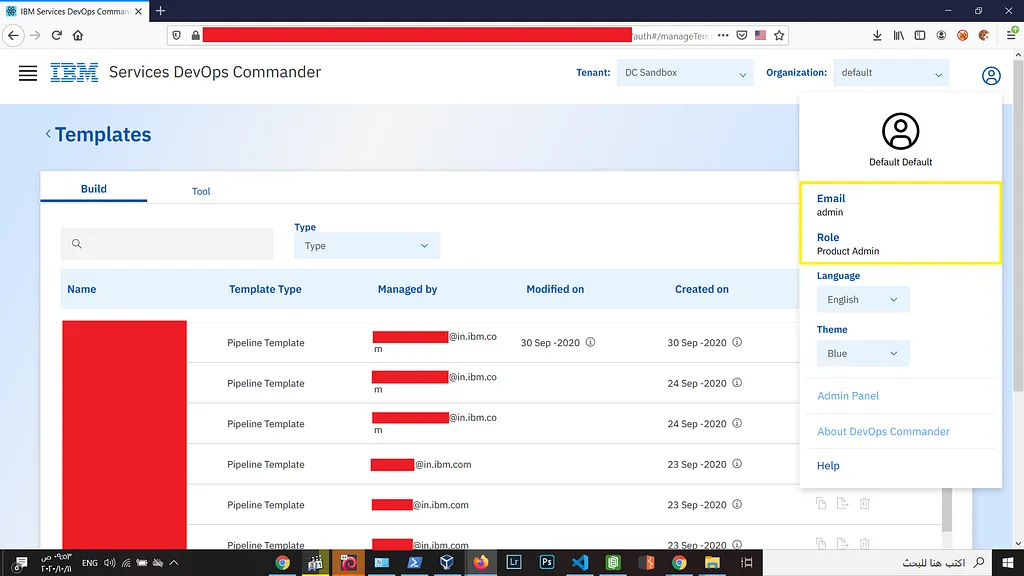
A small note: I later found that these credentials are being leaked in the logs file as clear text.
I browsed through the control panel, and I found credentials for services like gitlab, jenkins and many other services.
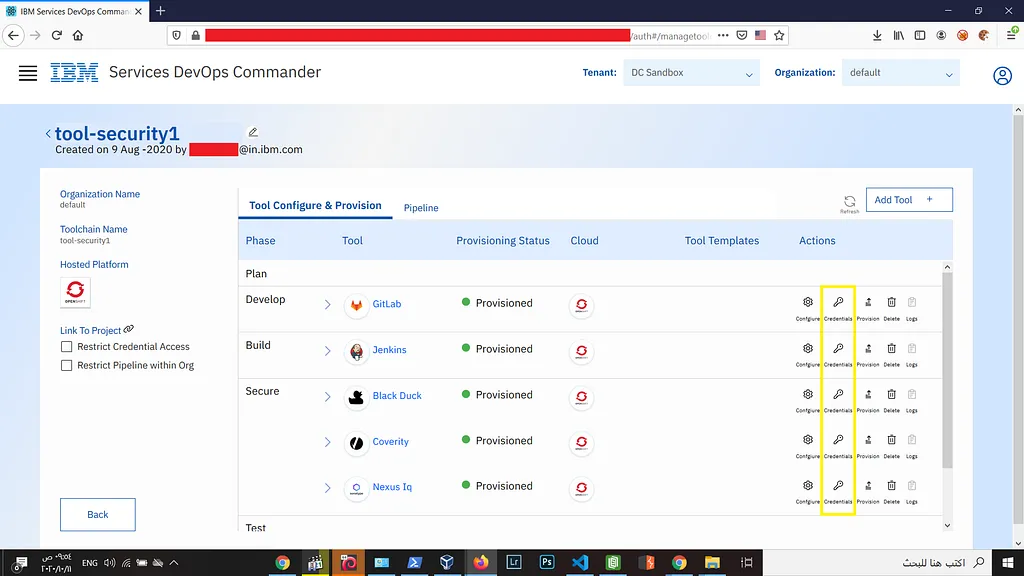
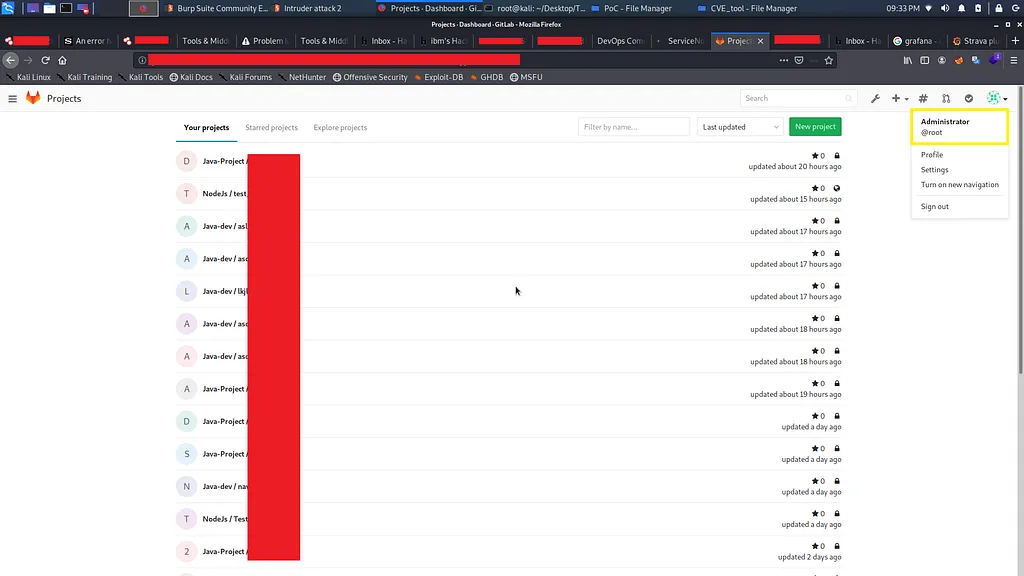
I stopped there and I report this bug in a separate report, and the report was triaged.
Thanks for your reading, I hope my story was useful.
Timeline:
- [Jul 21, 2020] — Bug reported
- [Jul 22, 2020] — Triaged
- [Dec 08, 2020] — Bug fixed
Written by Abdullah Abdelrazek. Questions, or found something similar?
Reply by email